Interactive preview · real app screens with sample data
Take a look around WorkFlow.
Open the balance or look at a recorded working day. You tap inside the picture, the way you would in the app.
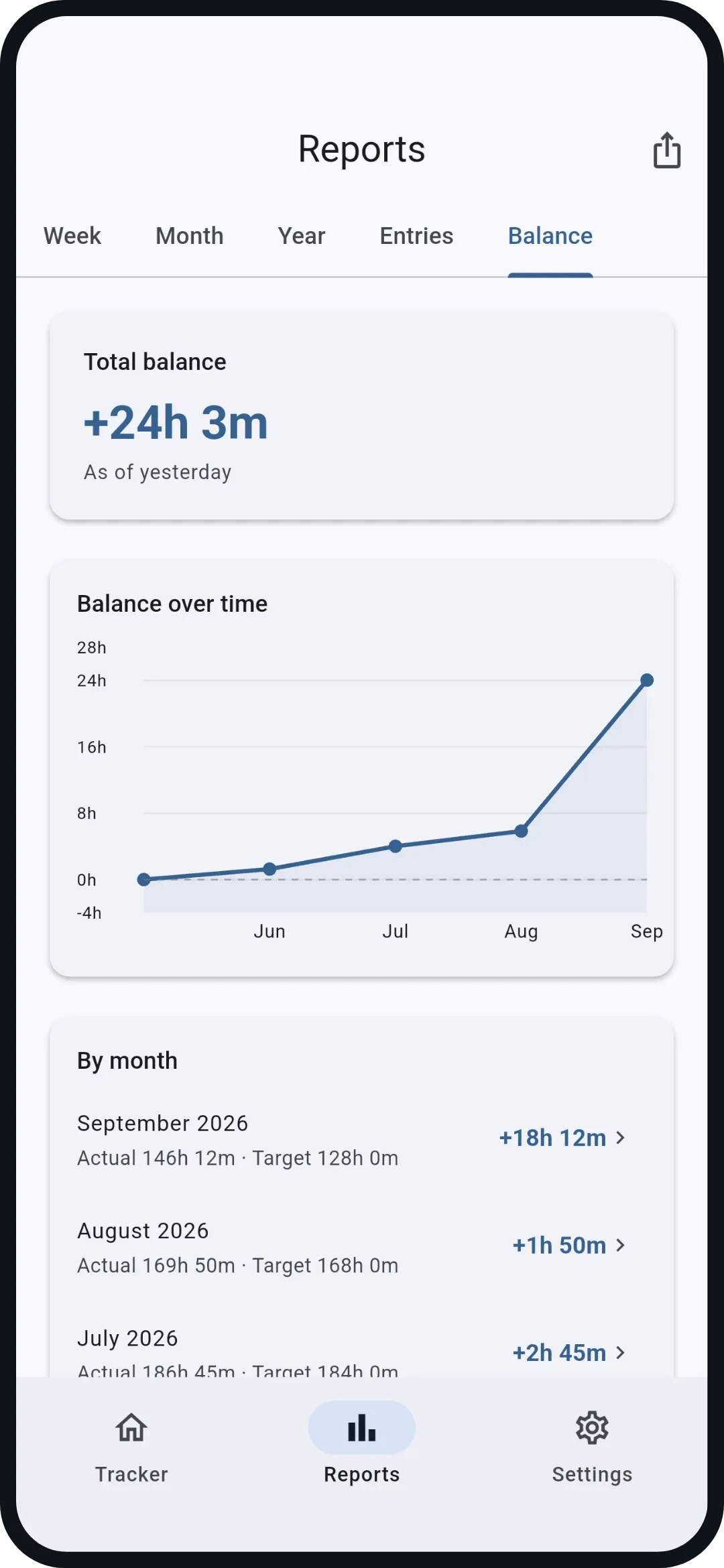
- Balance: actual against the target from your schedule, since the first entry. Starting balance for switching from another system.
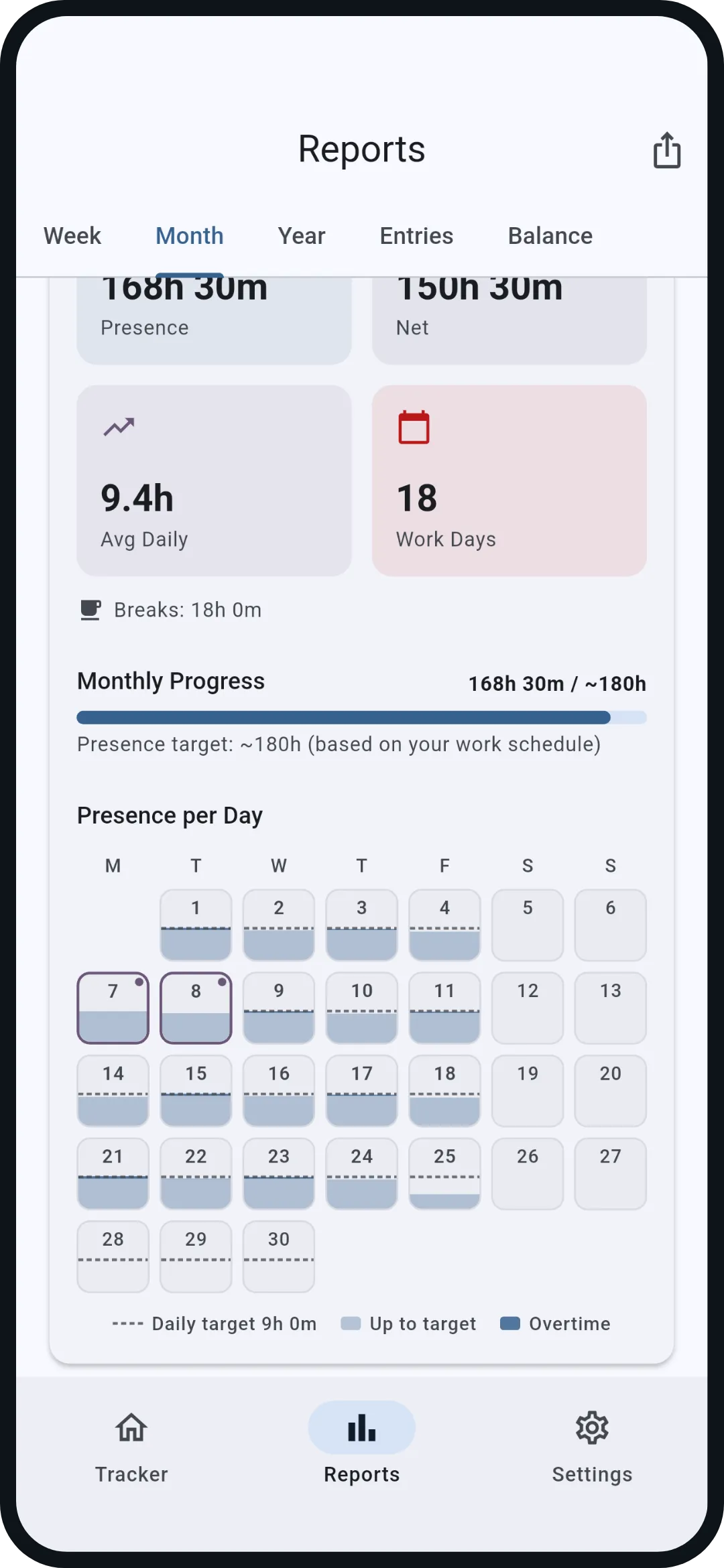
- Month: every day against its own daily target, vacation and holidays marked.
Only marked areas are interactive. Time tracking and location automation do not run here.
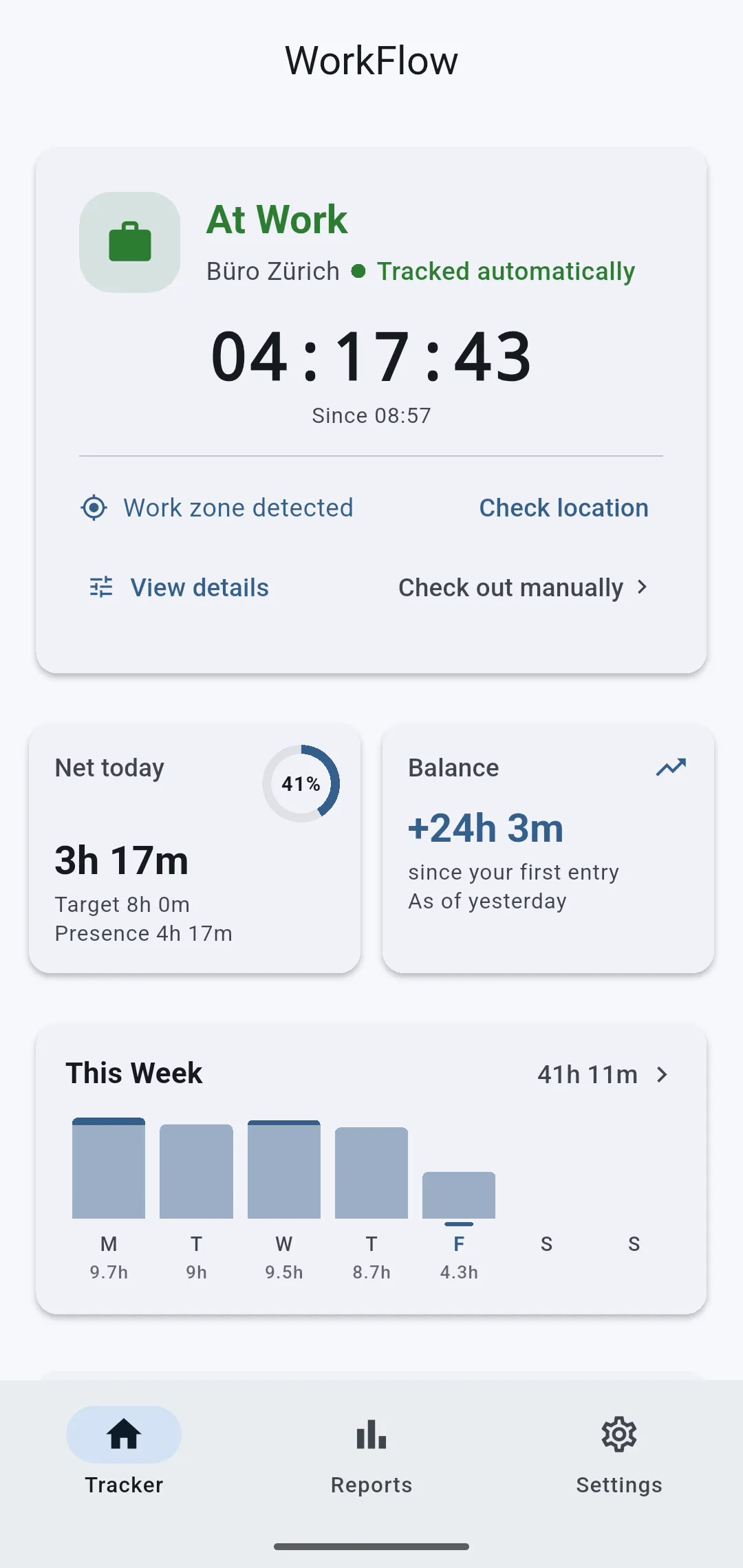
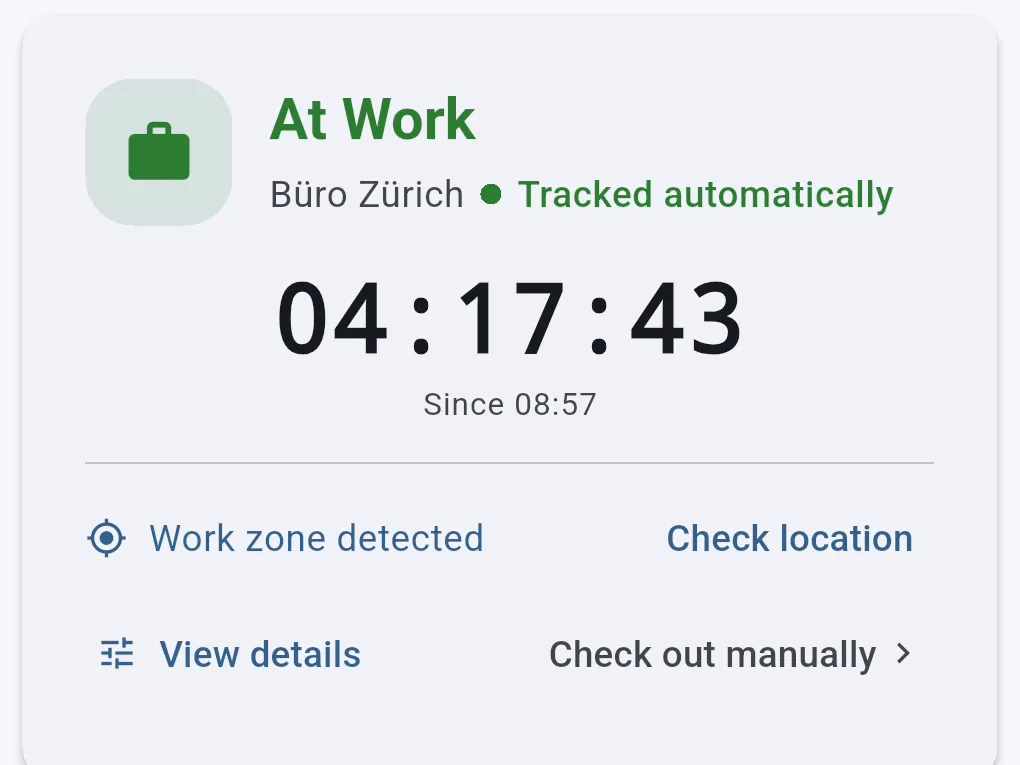
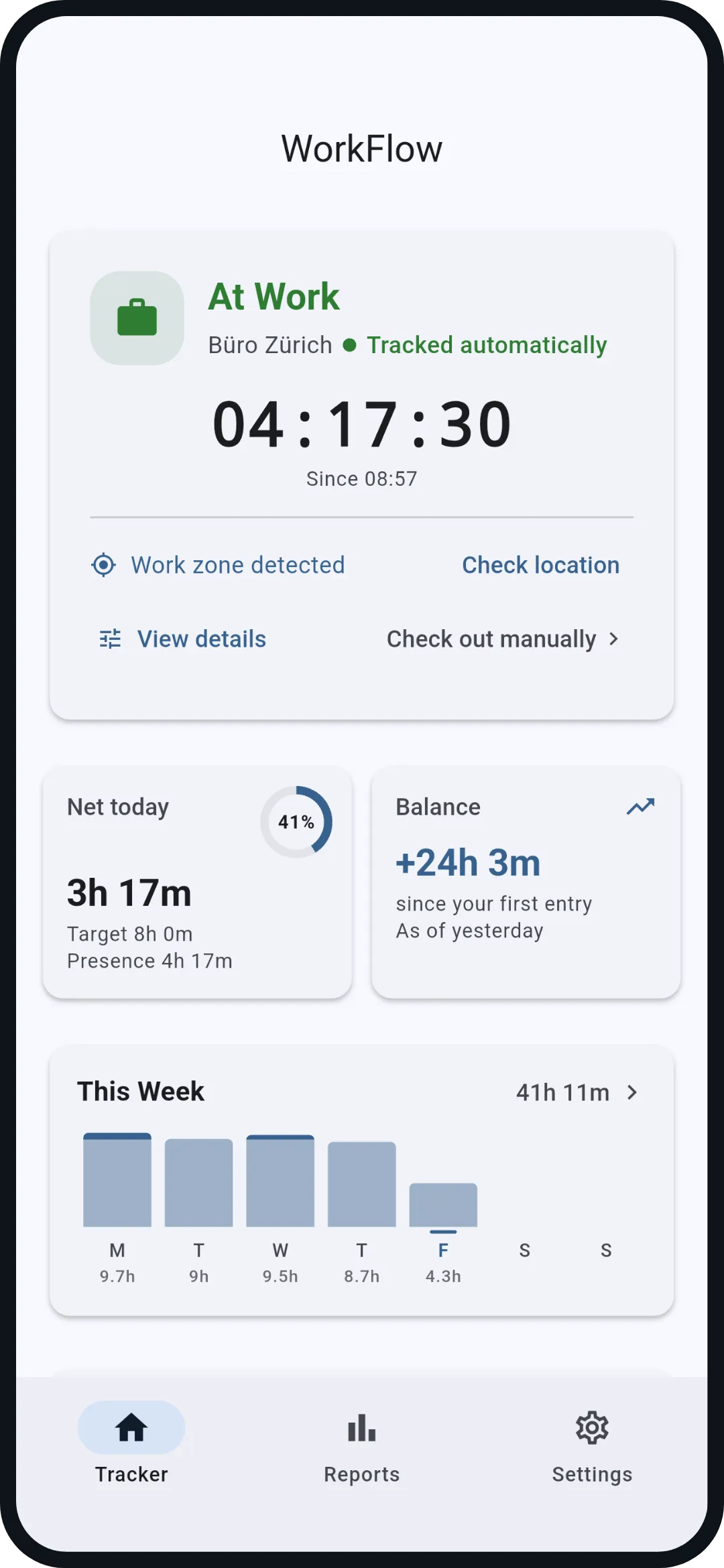
Tracker. The home screen: status and running timer, below it net today against your daily target and the overtime balance, then the week as bars.
Interactive on this screen
- 1Open balance
- 2Open week
- The bar below switches the section
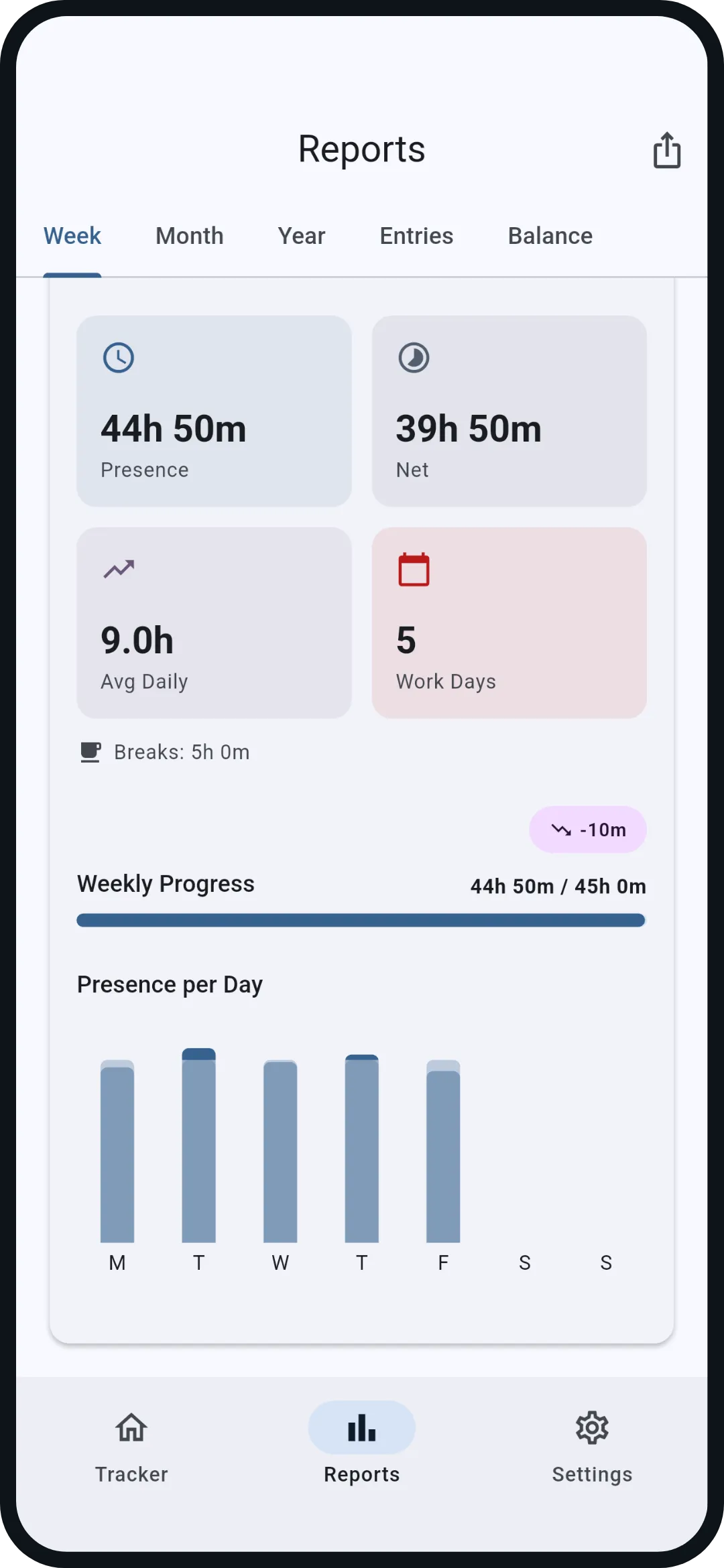
Week. Five bars, each against its daily target, overtime visible. Plus presence, net, average and breaks for the week.
Interactive on this screen
- The tabs above switch the view
- The bar below switches the section
Month. Every day as a fill bar against its own daily target, overtime above it in blue, vacation and holidays marked. One glance shows where the month stands.
Interactive on this screen
- The tabs above switch the view
- The bar below switches the section
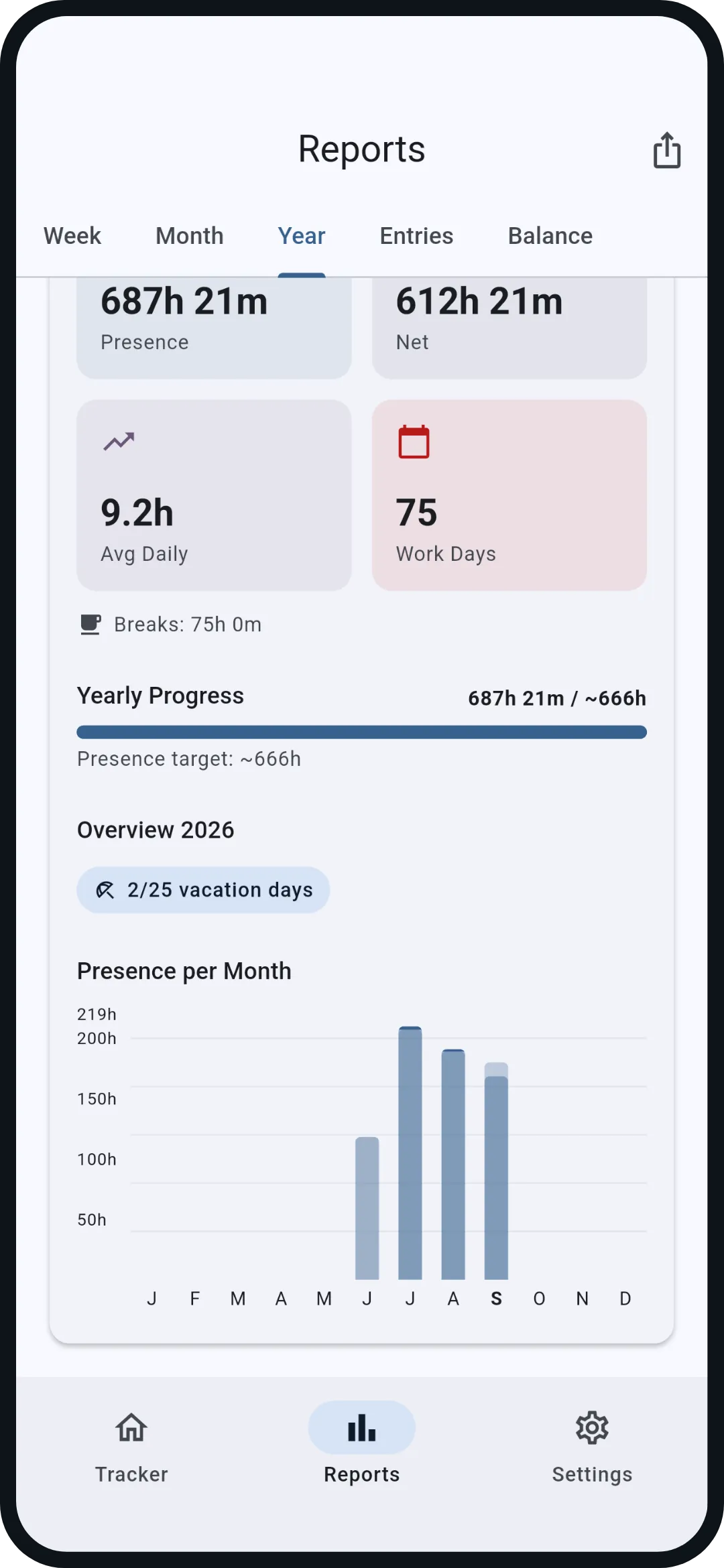
Year. Twelve monthly bars against the yearly target, plus presence, net, average and work days.
Interactive on this screen
- The tabs above switch the view
- The bar below switches the section
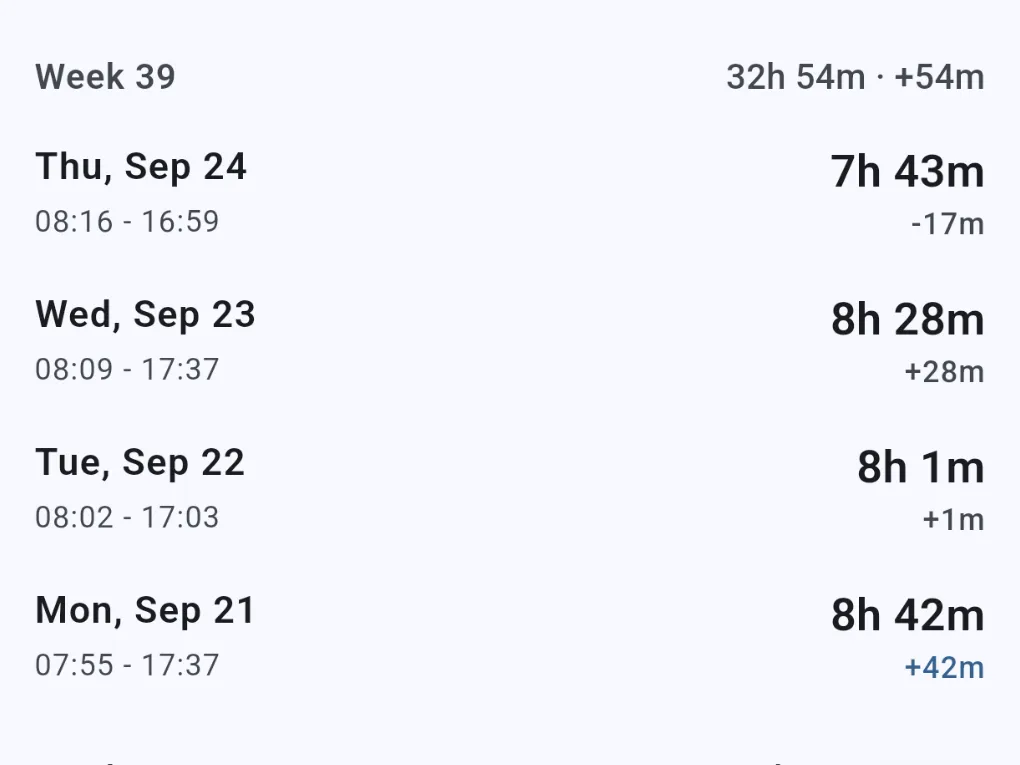
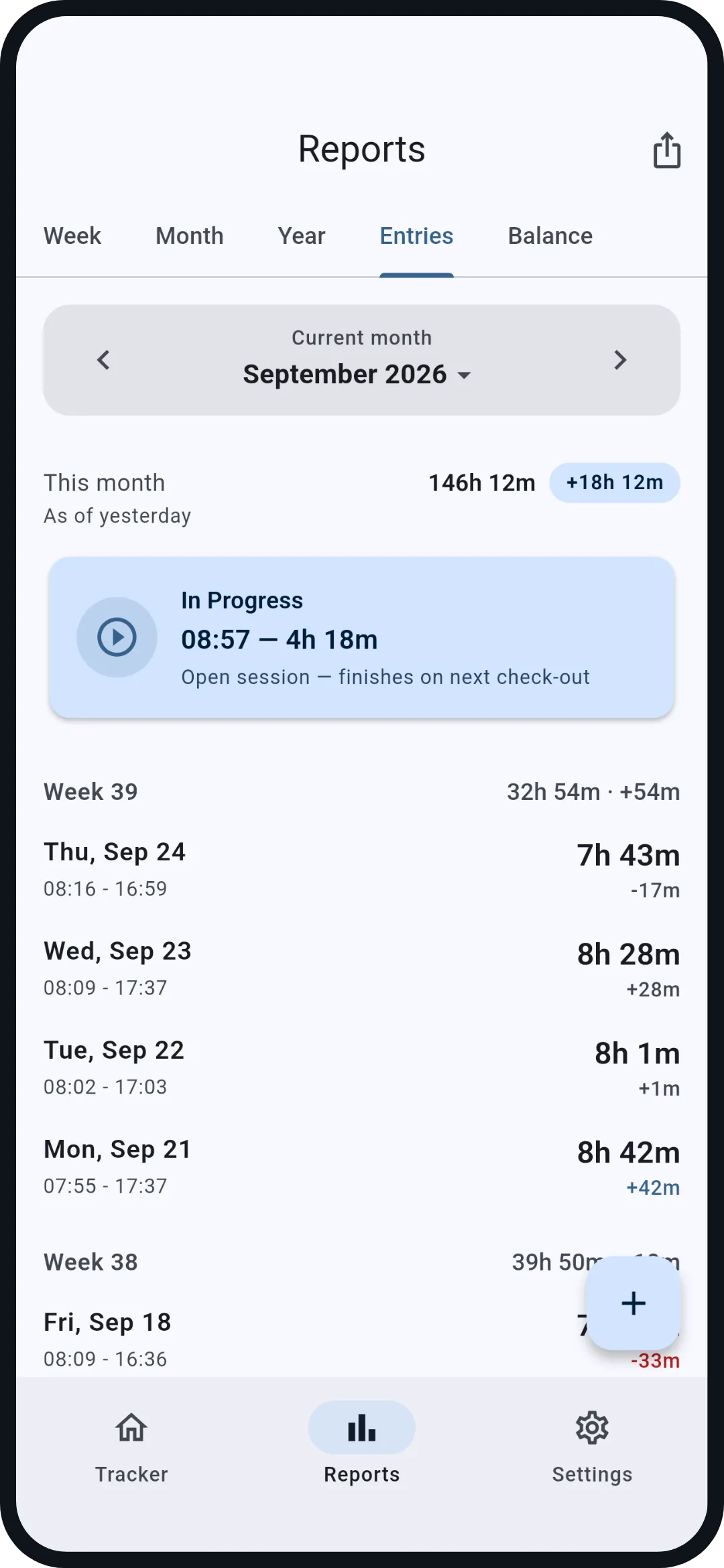
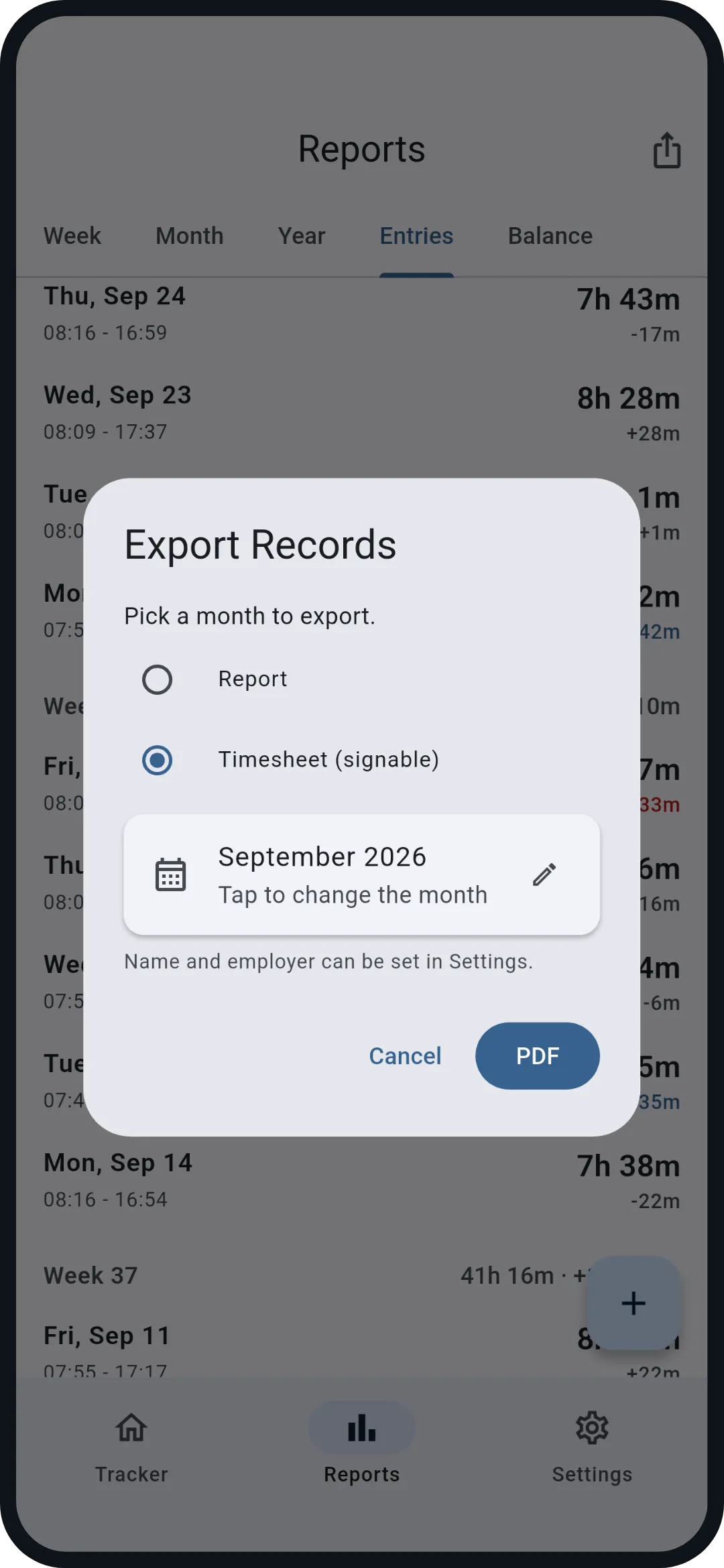
Entries. Every day with start, end, net and deviation, grouped by calendar week. In this preview you can open September 24.
Interactive on this screen
- 1Open export
- 2Open September 24
- The tabs above switch the view
- The bar below switches the section
Balance. Your hours account since the first entry: actual against target, as a curve and per month. Vacation, sick days and holidays lower the target; days off never count as minus.
Interactive on this screen
- The tabs above switch the view
- The bar below switches the section
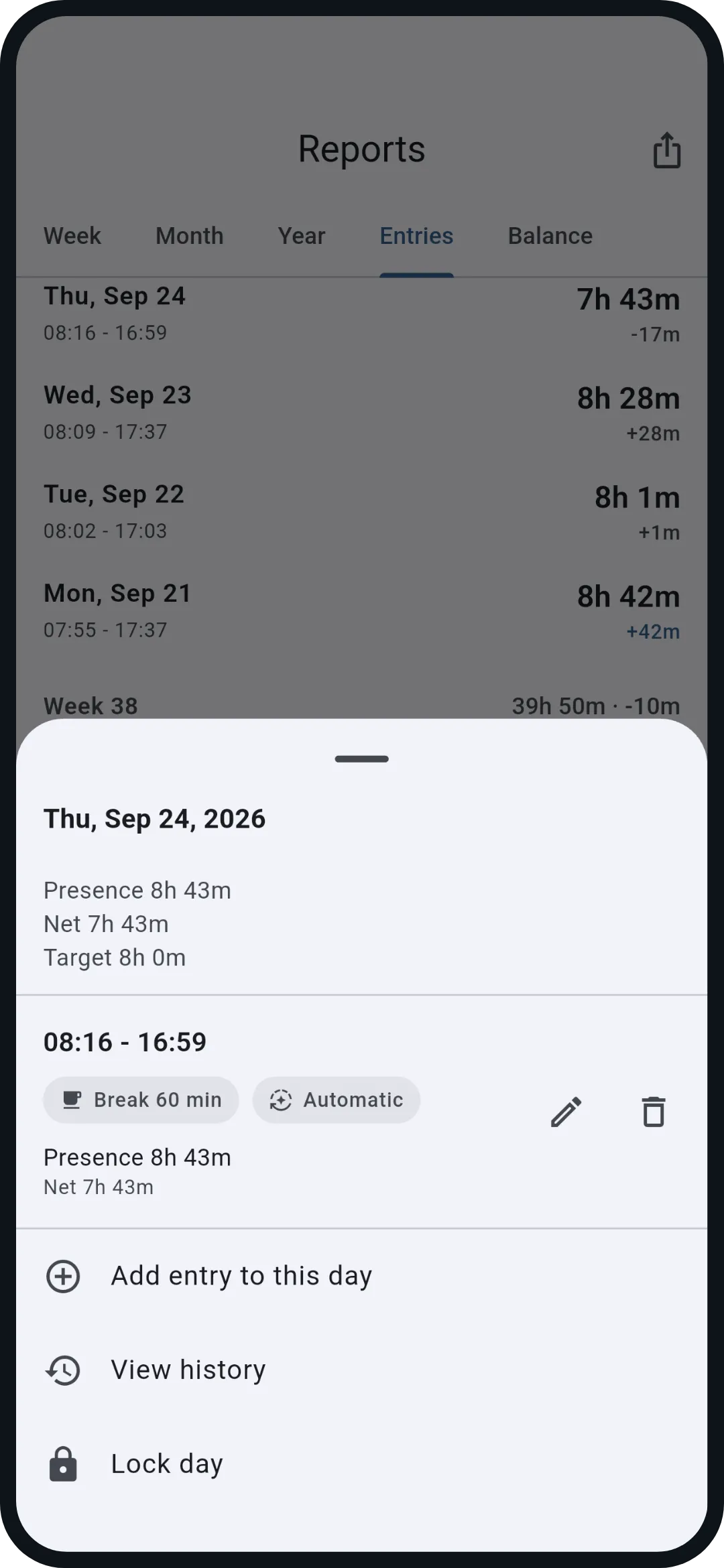
Day details. September 24 in detail: 8h 43m presence, a 60 minute break, 7h 43m net, 17 minutes below target. Plus add an entry, show the history and lock the day.
Interactive on this screen
- 1Close
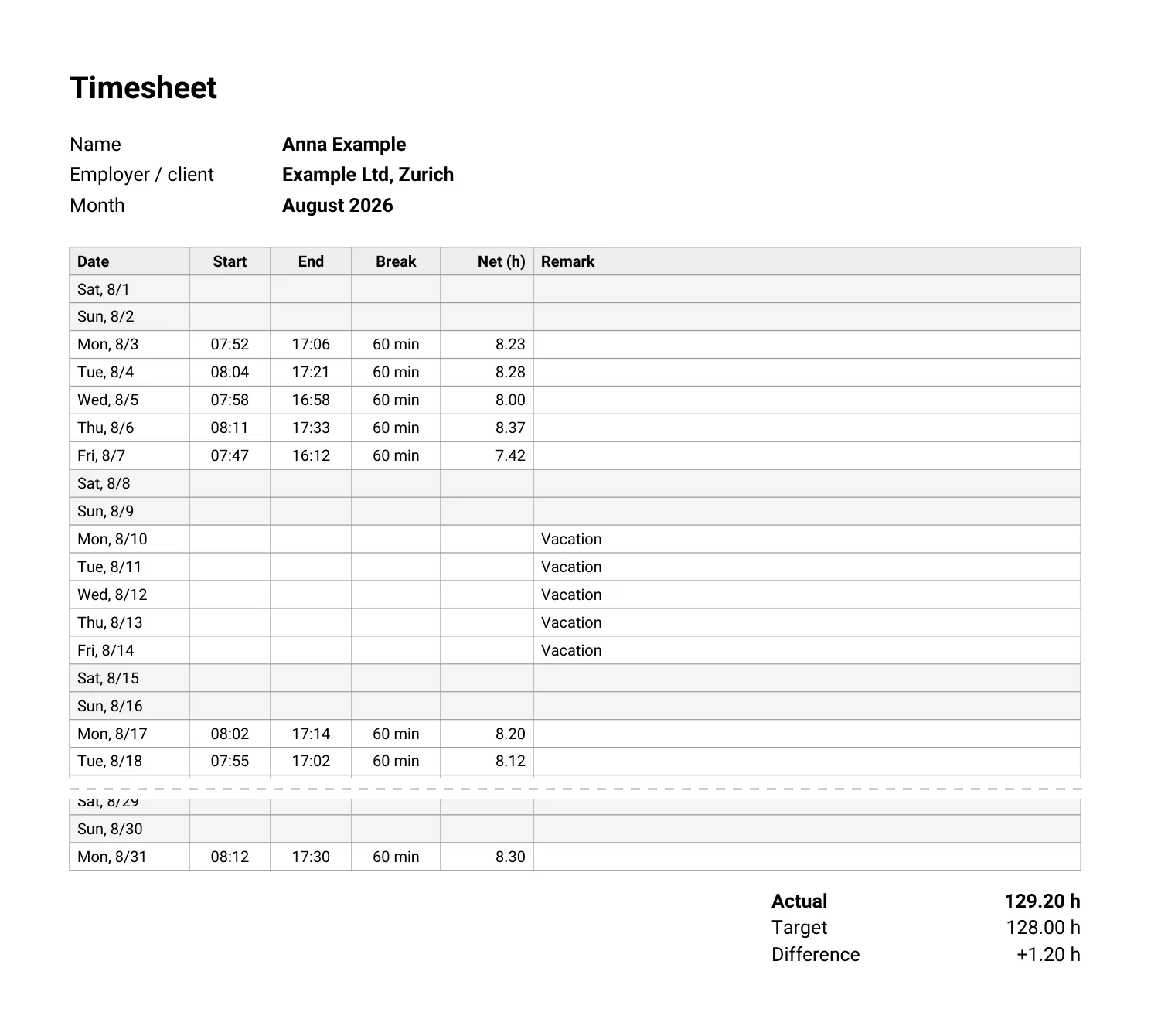
Export. One month as a report or as a timesheet ready to sign, as PDF or CSV. Your name and employer come from the settings.
Interactive on this screen
- 1Close
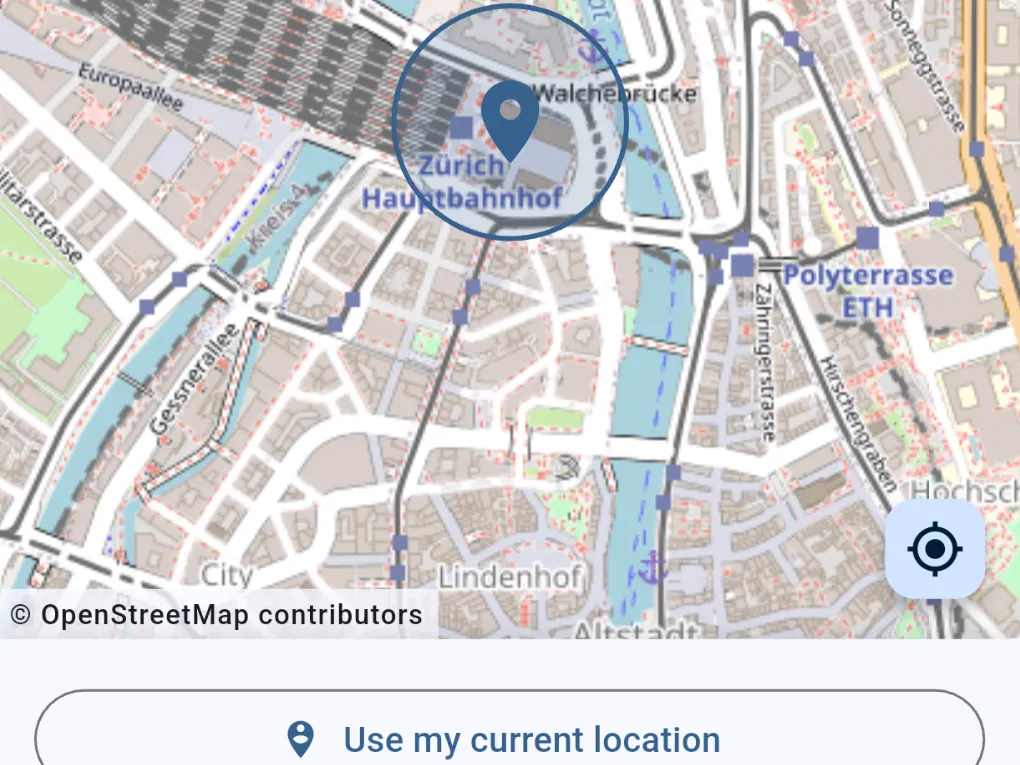
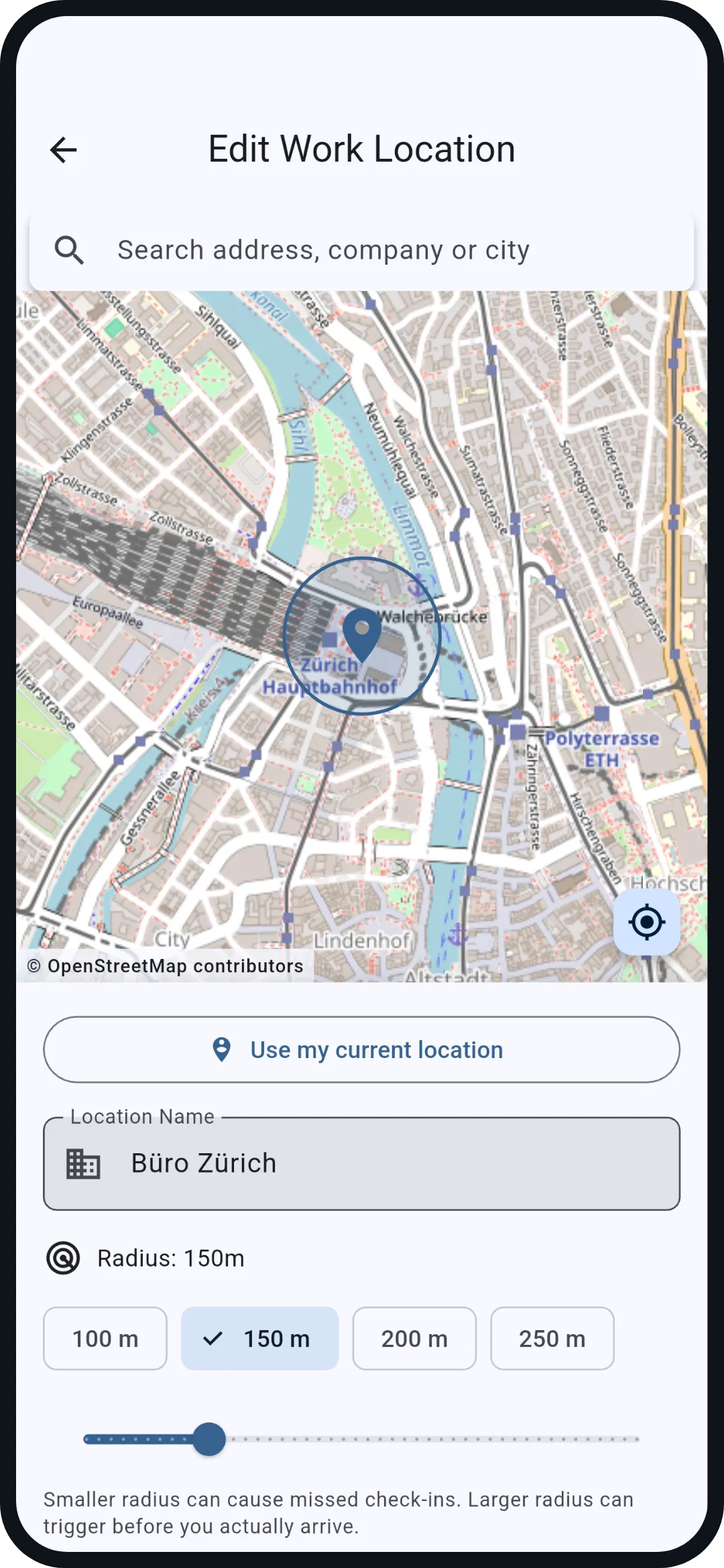
Workplace. The Android app offers address search and a radius from 100 to 250 metres. What you see here is an example. The map comes from OpenStreetMap and loads only during setup.
Interactive on this screen
- 1Back to the tracker
 WorkFlow